|
Saros - Home
|
What is Saros?
Saros is an Eclipse plugin for distributed collaborative software development that can support arbitrarily many participants at once.
All members of a session have an identical copy of Eclipse projects and Saros keeps these copies in sync as editing progresses.
Saros can be used in various scenarios:
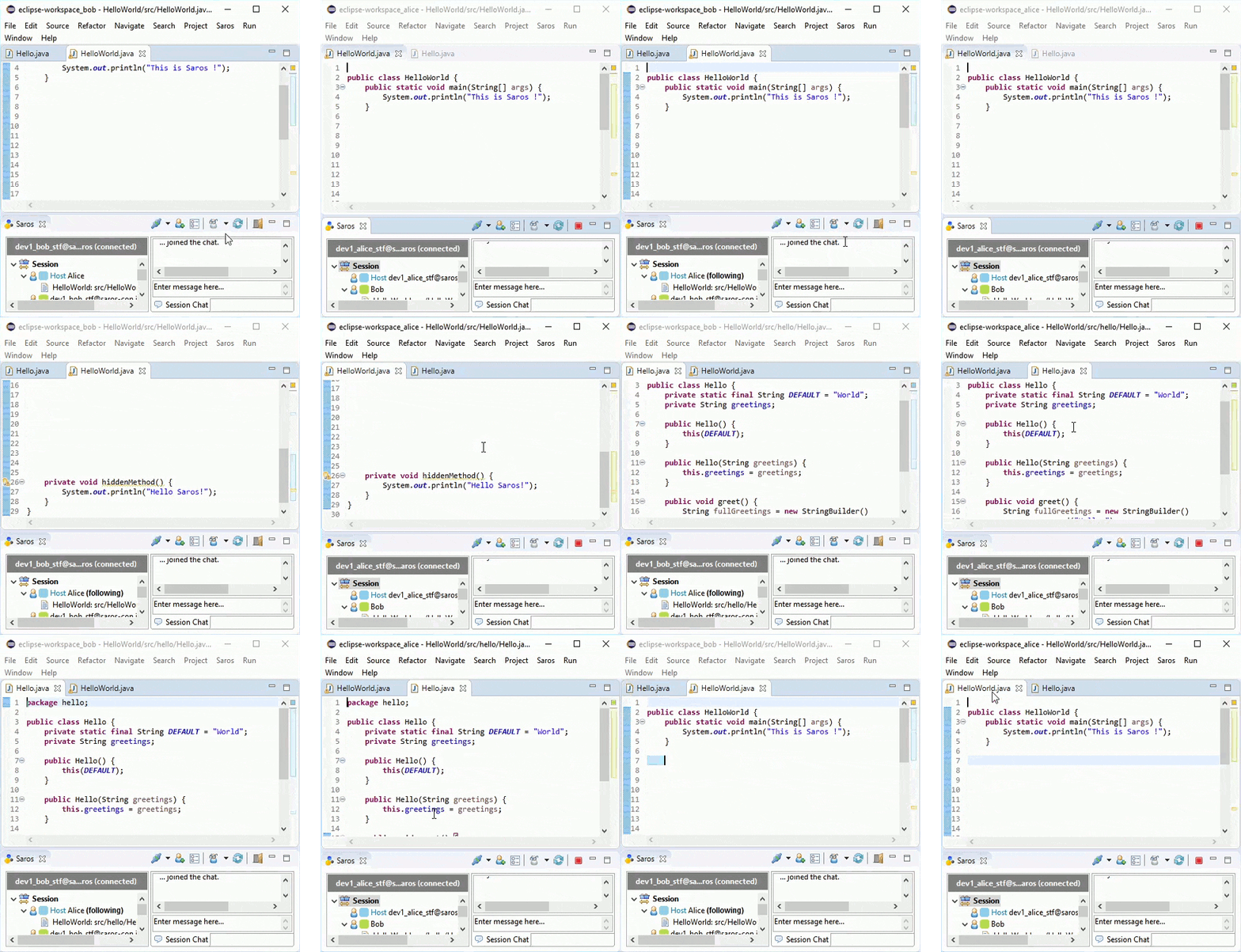
- Joint review: One participant ("driver") reviews the contents of one or more files together with other participants ("observers"). Saros is set to always show the observers the same region of text (program code or whatever else) that the driver sees ("follow mode"). At any time, any participant (driver as well as observers) can highlight text with the mouse for all the others to see. Also, any participant can become driver at any time.
- Introducing beginners: Much like before, except that explaining rather than reviewing is the goal. Each of the beginners (staying in the observer role) can individually peek at other regions of the file or even other files without influencing the flow of the session for the others. To do that, s/he will temporarily leave follow mode.
- Distributed Party Programming: Two or more (say, five) participants (parties) work together in a loosely coupled fashion. They work independently much of the time, but can call one of the others to help whenever the need arises, for possibly only a very short time ("Do I need to use A or B here?") or for a longer episode ("Can you help me decide a good API for this class?"). In this mode, distributed work can even be more powerful than working in the same room, as nobody needs to leave a seat to help multiple others in the course of an hour. Just think how this can speed up the coordination work just before release time after a code freeze!
- Distributed Pair Programming (also called remote pair programming) is a particular form of Distributed Party Programming in which two people develop code or text in continuous close collaboration, discussing the approach and combining the best of their ideas.
In any mode, markers in every participant's viewport will indicate who is currently seeing what (
"awareness information").
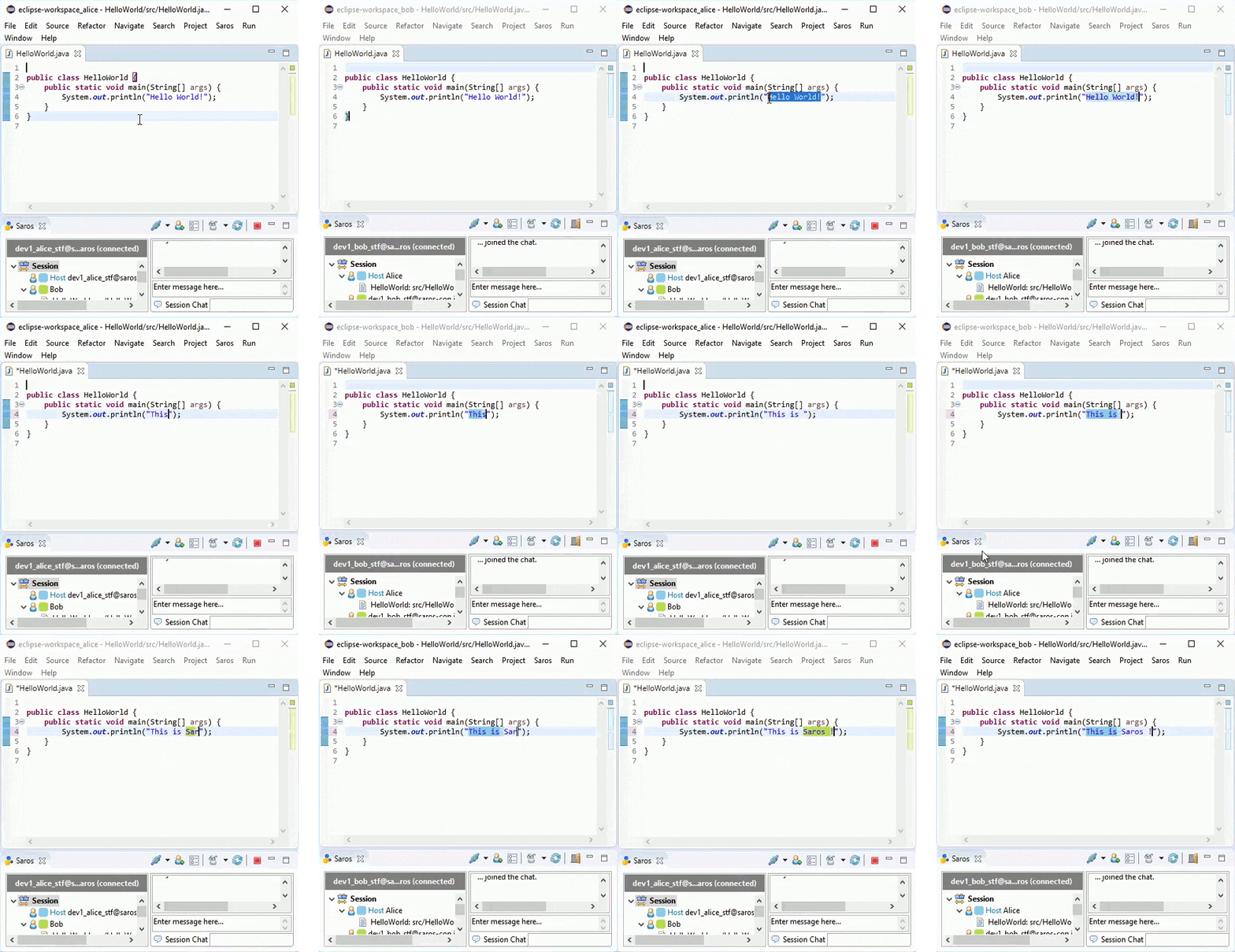
Highlighting text for others is done by means of simple
text selection which will be shown in a color that indicates who performed the selection.
With multiple concurrent drivers (enable this in the preferences), write conflicts can occur.
Saros will resolve them consistently by means of the
Jupiter algorithm taken from the Open Source project
ACE.
Saros will automatically
sync the contents of the Eclipse project from the initiator of a session (
"host") to the other participants.
Separate high-quality
audio conferencing
completes the collaboration scenario;
we are working on integrating voice conferencing into Saros itself.
Saros uses an
XMPP/Jabber
server for session initiation and will also use it for all its internal protocol communication if some participants cannot be reached directly via IP (because their computer is behind a firewall or
NAT).
However, Saros uses
Socks5
to provide low-latency, high-bandwidth connections whenever possible.
To learn more about Saros see the
feature list and the
screenshots for illustration.
Known Issues with Saros
See the
bug and documentation issue tracker at SourceForge and also the section
"How to be happy with Saros".
Related Work
Also make sure to check-out the following tools for Distributed Collaborative Programming:
Tools that are apparently not being further developed: